
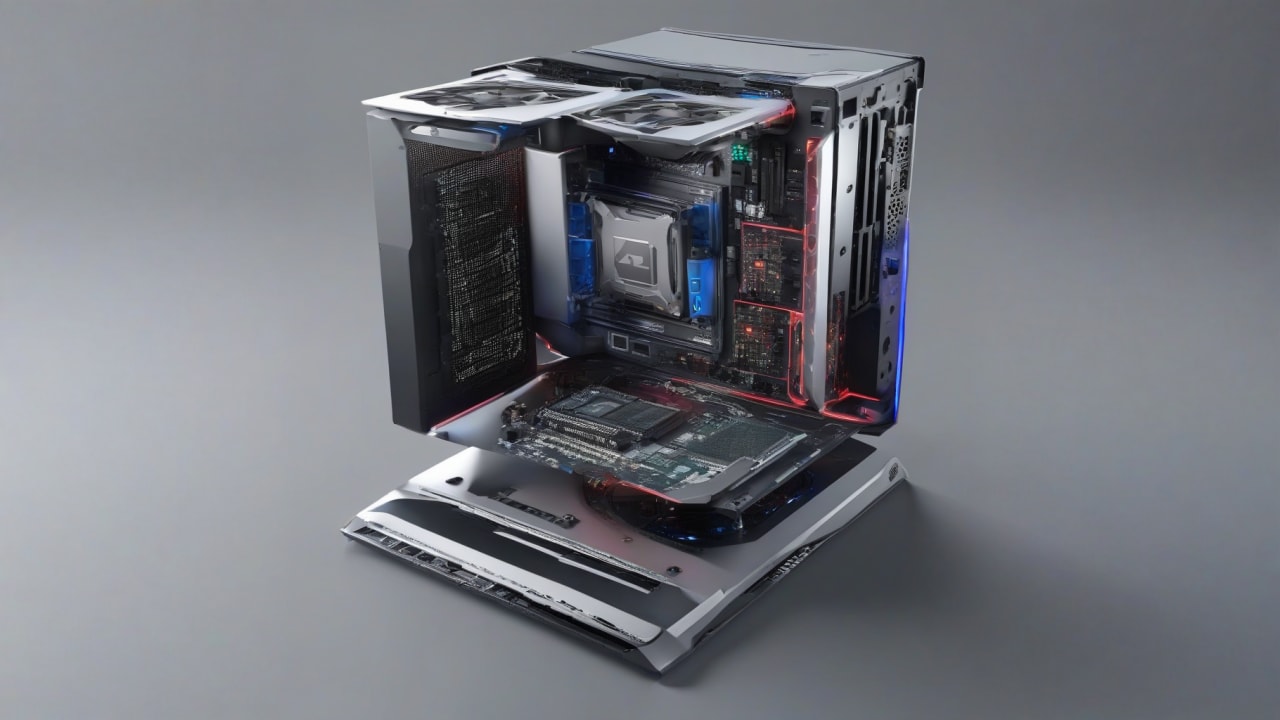
The term “AI PC” has become increasingly common in technology discussions, but what exactly differentiates a computer labeled as such from a standard, powerful machine? It’s not simply about being able to run AI software; after all, modern graphics cards have been handling various AI workloads for years. The true distinction lies in a fundamental shift towards dedicated, efficient local AI processing that aims to integrate artificial intelligence capabilities directly into daily computing tasks, often without relying on constant cloud connectivity.
Background and Context
For a long time, serious AI computations were largely confined to data centers or high-end workstations equipped with powerful GPUs. These GPUs, designed for parallel processing, proved adept at training and running complex AI models. However, transferring data to and from the cloud for every AI-assisted task introduces latency, privacy concerns, and recurring costs. Even on local machines, offloading significant AI workloads to the CPU or GPU can drain battery life quickly and compete for resources with other applications, making fluid, always-on AI features challenging to implement efficiently.
This situation created a demand for a different approach. The idea was to bring more AI processing closer to the user, directly onto the device. This shift is driven by a desire for faster responses, enhanced data privacy (as data doesn’t necessarily leave the device), and the ability to operate AI features even when offline. Many users initially treat these features like novelties rather than integrating them into core workflows, but the underlying hardware changes are designed for deeper, more consistent utility.
Key Concepts Explained
At the heart of an AI PC is the **Neural Processing Unit (NPU)**. While CPUs handle general-purpose tasks and GPUs excel at graphics and highly parallel computations, NPUs are specialized co-processors designed specifically for the unique mathematical operations required by artificial neural networks. They are engineered for high efficiency in inferencing (running pre-trained AI models) and, in some cases, limited model training.
- NPU Integration: This dedicated hardware accelerates AI tasks like real-time language translation, image generation, advanced background blurring in video calls, or local summarization of documents. Unlike general-purpose CPUs or GPUs, NPUs consume significantly less power for these specific AI workloads, contributing to better battery life and sustained performance.
- Software Optimization: An AI PC isn't just about the NPU; it also requires an optimized software stack. This includes operating system support (like Microsoft's Copilot+ integration in Windows) that can intelligently route AI tasks to the NPU. It also involves application developers optimizing their software to leverage the NPU, often through specific APIs and AI frameworks. People often underestimate the optimization effort required by software developers to fully leverage new hardware capabilities.
- Local AI Processing: The core benefit is the ability to perform AI tasks on the device itself. This reduces latency because data doesn't need to travel to a remote server and back. It also enhances privacy, as sensitive information can remain on the user's machine. This local processing capability makes certain AI features more responsive and reliable, especially in scenarios where internet connectivity is limited or inconsistent.
Real-World Examples
Understanding the technical components is one thing; seeing how they translate into daily use provides clearer insight into the purpose of an AI PC.
Consider a **university student** attending a complex lecture in a noisy cafeteria.
Situation: The student needs to capture accurate notes and understand rapidly spoken technical terms, but background noise makes it difficult to focus, and they worry about missing key points.
Action: Using an AI PC, the student activates a real-time transcription and summarization feature, enhanced by an NPU. This locally processes the audio, filters out cafeteria chatter, and translates technical jargon into clearer summaries.
Result: The student receives a clean, accurate transcript and summary of the lecture, highlighting essential concepts, without any lag or concerns about audio data leaving their device.
Why it matters: This boosts learning efficiency and accessibility, leveraging local processing for privacy and immediate feedback in a challenging environment.
Think about a **small business owner** needing to quickly analyze sales data and generate marketing content.
Situation: The owner has a large spreadsheet of sales figures and customer feedback and needs to create a compelling social media post, but they lack the time and specific tools for deep analysis and creative generation.
Action: On an AI PC, the owner uses an integrated AI assistant. They feed the spreadsheet data into a local AI model for sentiment analysis and trend identification. The AI then generates multiple draft social media captions based on the insights, tailored to different platforms.
Result: The owner gets actionable insights from their data and several ready-to-use marketing drafts within minutes, all processed locally, maintaining confidentiality of their sales figures.
Why it matters: This significantly streamlines tasks that typically require specialized skills or cloud services, offering efficiency and data security for small operations.
Imagine a **professional content creator** editing a video for a client with tight deadlines.
Situation: The creator needs to remove distracting background noise, apply complex visual effects like object segmentation, and upscale footage, but their current system struggles, leading to long render times and workflow interruptions.
Action: Using an AI PC, the creator leverages NPU-accelerated features within their video editing software. Background noise reduction runs in real-time, AI-powered object masking is applied instantly, and upscaling low-resolution clips is significantly faster.
Result: The editing process becomes much smoother, render times are drastically cut, and the creator can experiment more freely with AI effects without performance bottlenecks.
Why it matters: This reduces production time and friction, allowing for greater creativity and faster delivery, directly impacting their professional output and profitability.
Implications and Tradeoffs
The rise of the AI PC carries significant implications for how we interact with technology. On the benefit side, users can expect more responsive and integrated AI features that feel like natural extensions of the operating system or applications. Enhanced privacy is a key advantage, as less data needs to be sent to external servers for processing. This also contributes to better offline functionality for many AI tasks. For developers, it opens up new avenues for creating intelligent applications that can run efficiently on user devices.
However, there are also tradeoffs and limitations. The first generation of any new hardware category usually presents a learning curve for both users and developers. Not all AI tasks are suitable for local processing; extremely large language models or complex training operations will likely continue to rely on cloud data centers. The performance of an NPU is highly dependent on the specific model being run and how well the software is optimized for it. Small gaps in software integration can quickly show up, impacting the perceived value of dedicated hardware. Furthermore, adopting an AI PC often means investing in new hardware, which might not be justifiable for every user, especially if their daily tasks do not heavily leverage AI-accelerated features.
Practical Tips and Best Practices
For those considering an AI PC or looking to maximize its potential, a few practical considerations apply. First, identify your core AI-related needs. If your daily workflow involves frequent video conferencing with background effects, local document summarization, or creative AI tools, an NPU will likely offer tangible benefits. Second, pay attention to software compatibility and optimization. An NPU is only as good as the applications that can leverage it. Check if your preferred software is optimized for NPU acceleration. Early adopters might find that while the hardware is ready, software support may still be maturing.
Third, understand that an AI PC doesn't replace powerful CPUs or GPUs for their respective strengths. It complements them. For intensive gaming or professional rendering, a strong GPU remains essential. The NPU focuses on specific, recurring AI inference tasks. Finally, keep an eye on privacy settings. While local AI processing offers privacy advantages, ensure you understand what data, if any, is being shared with cloud services for particular AI features, as some applications may still blend local and cloud AI.
FAQ
Question: Do I need an AI PC to use AI features today?
Answer: No, many AI features are already available on standard PCs, often leveraging cloud services or your existing CPU and GPU. An AI PC, with its NPU, aims to make these features more efficient, faster, more private, and available offline by performing a greater proportion of the AI processing directly on the device.
Question: How is an NPU different from a powerful CPU or GPU?
Answer: A CPU is a general-purpose processor, handling a wide range of tasks. A GPU excels at highly parallel computations, making it great for graphics rendering and certain AI training. An NPU is a specialized accelerator designed specifically for the mathematical operations of neural networks, offering superior power efficiency and performance for AI inference tasks compared to CPUs or GPUs for those specific workloads.
Question: Will all my current applications automatically benefit from an AI PC?
Answer: Not automatically. While the operating system may route some general AI tasks to the NPU, applications need to be specifically optimized or updated by their developers to take full advantage of the NPU's capabilities. As the ecosystem matures, more software is expected to integrate NPU support, but early on, benefits will be concentrated in specific, optimized applications.
Conclusion
An "AI PC" is more than a marketing label; it represents a significant architectural shift in personal computing. By integrating dedicated Neural Processing Units and an optimized software stack, these machines are designed to bring a new level of efficient, private, and always-on artificial intelligence directly to the user's device. While the technology is still evolving, the trajectory is clear: computing is moving towards a future where AI capabilities are not just an add-on but an intrinsic part of the user experience, enhancing productivity and enabling new forms of interaction locally.


0 Comments